More apps BoulderLog BoulderTrain BoulderHang Coffee Aeye Glide
Beam Receiver · Android TV · included with Beam

Any Android TV, ready to cast to.

A small standalone app for Android TV, Google TV and NVIDIA SHIELD. Install it once and the TV appears in Beam Mobile's Cast list. Your phone's downloads then play on the big screen through Beam's own player.

What it does

Beam's player, on any TV

Shows up by itself. Answers network discovery as "Living Room TV (Beam)", so it is never mistaken for the TV's built-in receiver, and rejoins after Wi-Fi or Ethernet changes.
Always ready. Runs quietly from boot. A video sent while the TV sleeps wakes the screen and opens over whatever is on; Back returns you to it.
Beam's picture pipeline. Dolby Vision profile 7 remuxes fall back to their HDR10 base layer instead of a black screen. HDR switches on even when a file's colour tags are missing, and a 128 MB buffer rides out Wi-Fi dips at remux bitrates.
Sound stays intact. Audio passes through to your AV receiver or soundbar as the TV allows. There's no refresh-rate switching, so no HDMI resync drops the sound at the start, and DTS and TrueHD can be decoded on the TV as a backup.
Controls you know. Beam's player look: title, spec chips, a timebar, −5/+15 s, subtitles and audio tracks. The phone's remote bar drives it too: play, pause, seek and stop.
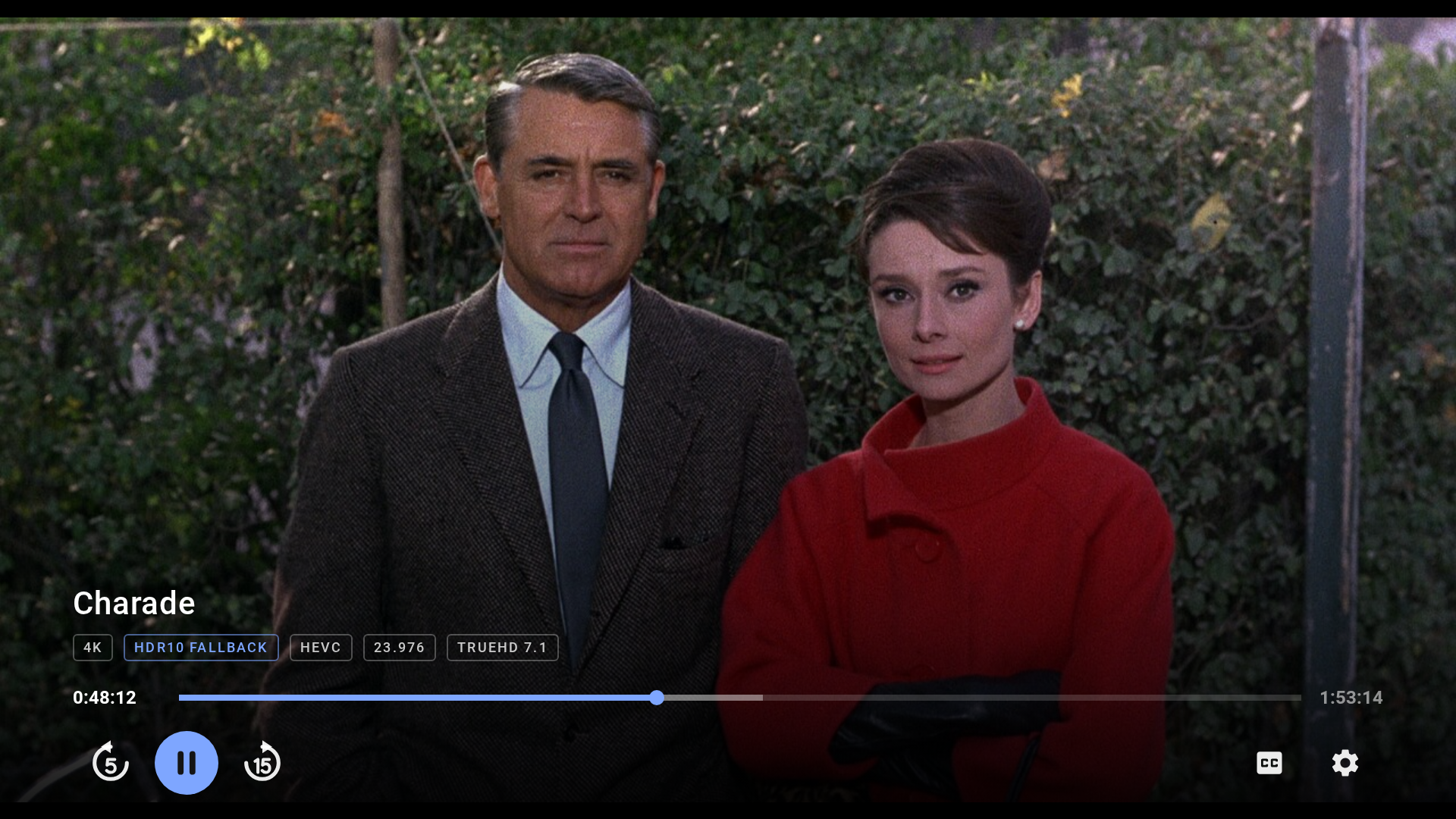
Beam Receiver playing a cast — title, 4K / HDR10 fallback / HEVC / 23.976 / TrueHD 7.1 chips, timebar and controls
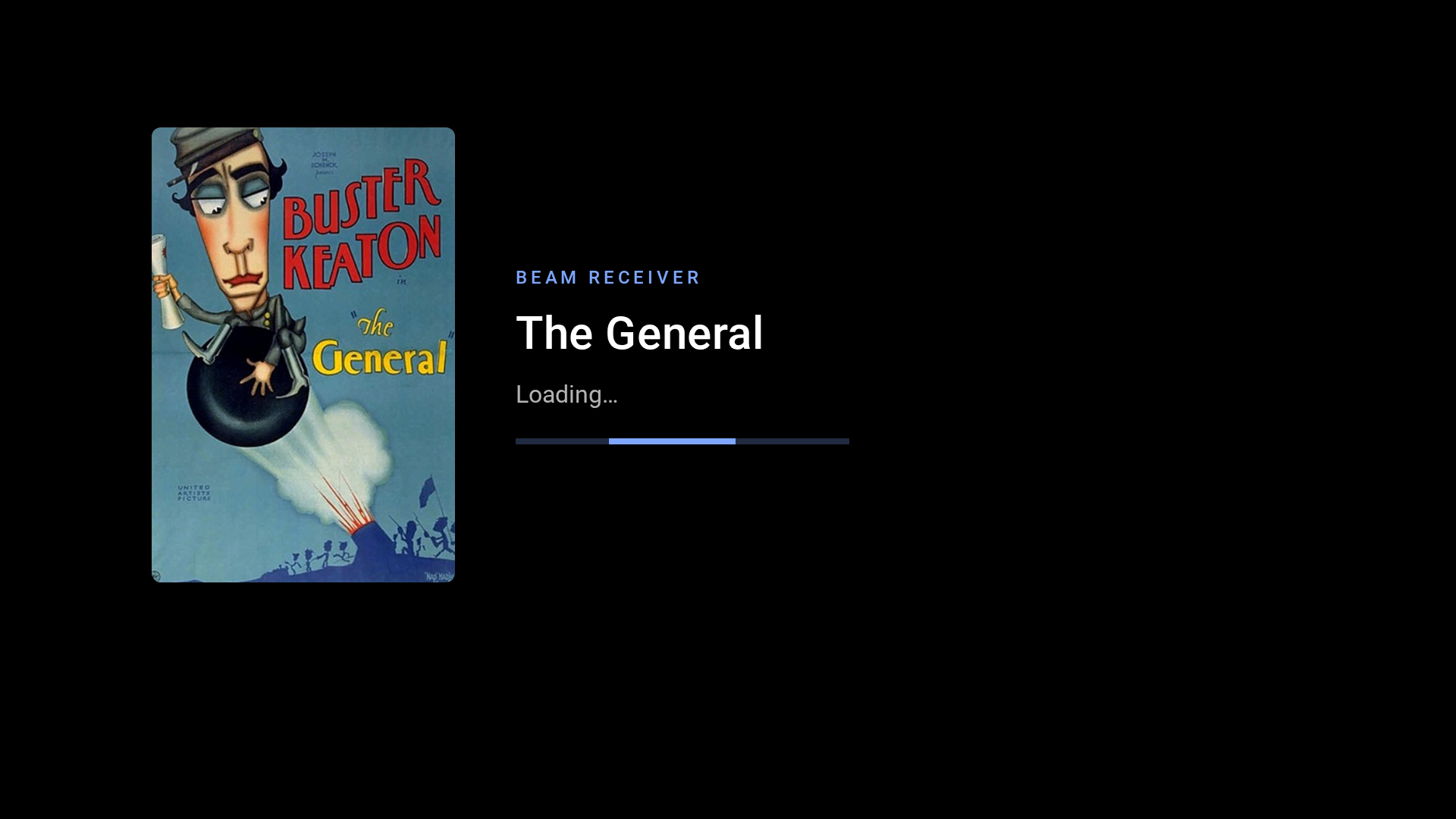
Beam Receiver loading card — poster, title and progress
Poster card while it loads
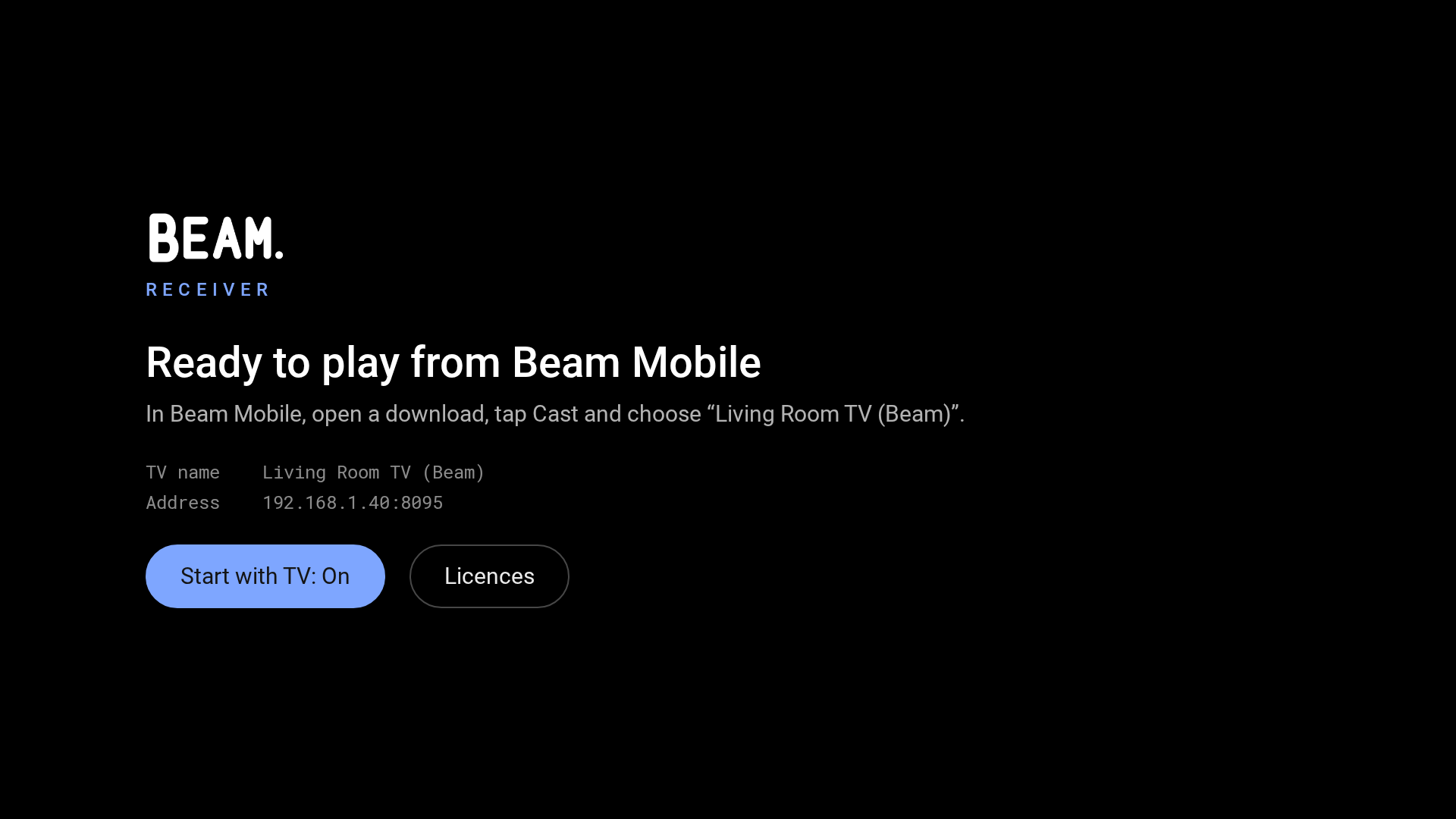
Beam Receiver ready screen — TV name, address and Start with TV
Ready screen: name, address, start with TV
Android 8+ TV UPnP / DLNA renderer Starts with the TV Dolby Vision P7 → HDR10 Audio passthrough No account, no library to set up
Setup

Ready in a minute

Optional. It lets an Android TV play downloads cast from Beam Mobile. It doesn't need Beam on that TV, an account or a library.

  1. Install Beam Receiver on the TV and open it once. It shows Ready to play from Beam Mobile, with the name phones will see and the TV's address.
  2. Leave Start with TV: On so the receiver is ready after every restart.
  3. On Android 10 or newer, allow Display over other apps so videos can open while another app is on screen. The ready screen has the button. If this TV hides the setting, the ready screen also shows a one-line adb command that grants it.
  4. In Beam Mobile, open a downloaded title, tap Cast and choose "<TV name> (Beam)".
Note  Back or Stop closes the player and returns the TV to whatever was on before.
Full setup guide →
One price · all three apps

€12.99, once.

No subscription. Beam for Android TV, with Beam Mobile and Beam Receiver included at no extra cost.

  • BeamAndroid TV
  • Beam MobilePhones & tablets
  • Beam ReceiverAny Android TV
One-time purchase · Instant access · Invoice included